
Key Takeaways
A robot pet can give kids more than another toy to play with. Depending on its features, children can play interactive games, create stories, ask questions, talk about their day, practice expressing feelings, build simple care routines, and enjoy activities with family members. The best use depends on the child's age and the robot's design. A robot pet should add to play and family interaction, not replace real pets, human companionship, or adult guidance.
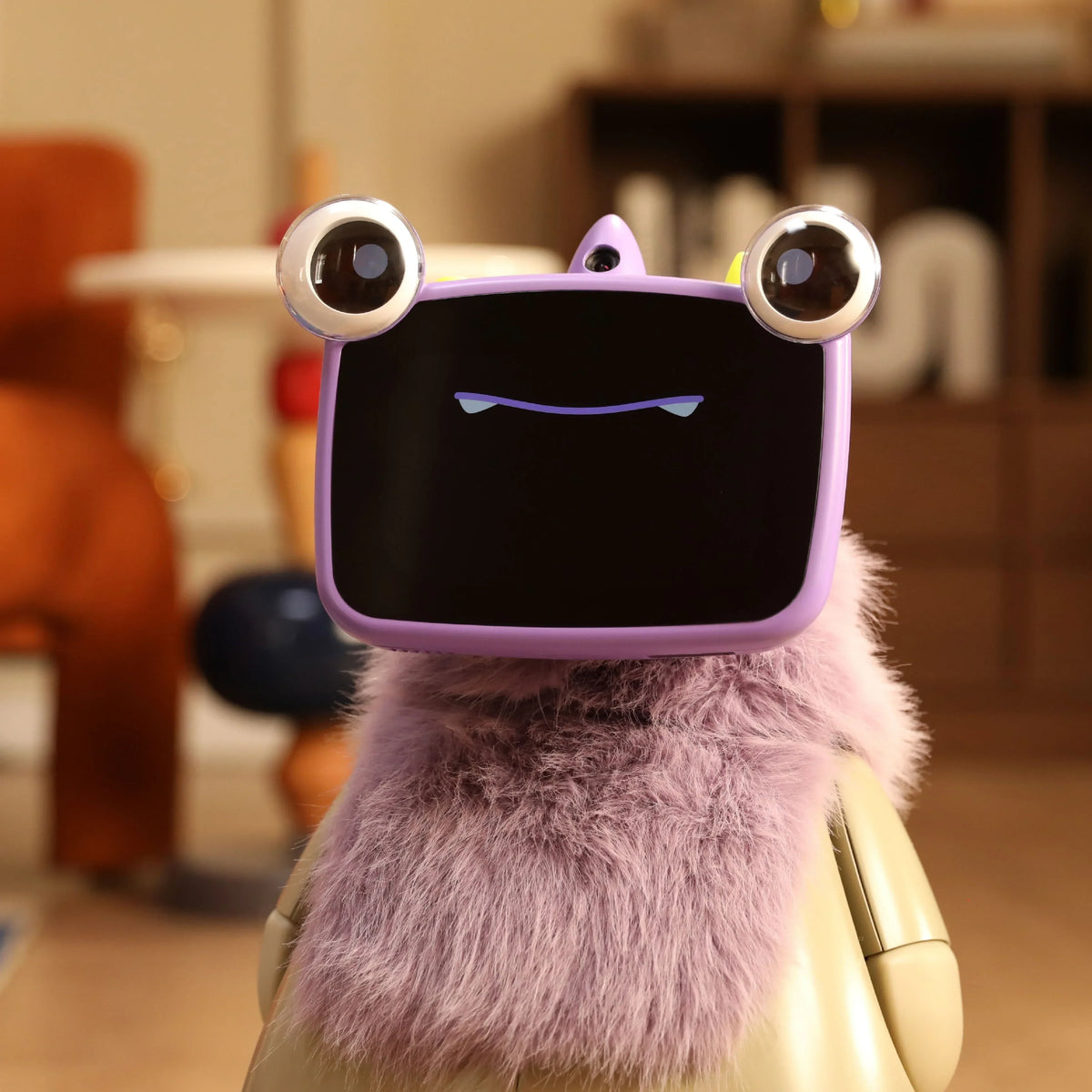
Robot pets have become a new type of robot for kids, combining familiar toy play with movement, sounds, conversation, and responsive behavior. Unlike a traditional stuffed animal or a basic robot pet toy, an interactive model can react to what a child says or does. That gives kids more ways to take part in play instead of simply pressing buttons and watching something happen.
So, what can kids actually do with a robot pet? The answer goes far beyond playing a few built-in games.
Play Interactive Games With a Robot Pet
Interactive play is the most direct way for children to enjoy a robot pet. Its ability to react to movement, sounds, touch, or spoken instructions can make familiar games feel more active and personal.
Try Movement and Reaction Games
Kids can play simple games that involve:
- Following the robot around a room
- Copying its movements
- Responding to sounds or prompts
- Completing simple challenges
- Testing how quickly the robot reacts
These activities can encourage kids to pay attention and respond instead of simply watching a screen.
Play Turn-Taking Games
A robot pet can also support simple back-and-forth play. A child might take a turn answering a question, giving an instruction, or completing a challenge before the robot responds.
This creates a basic pattern:
Child → Robot → Child → Robot
That type of interaction can make a robot friend toy feel more like a play partner than a passive object.

Create Stories and Use Imagination With a Robot Pet
A robot pet can become a character in a child's own stories, giving kids a simple way to create adventures, act out scenes, and make up new ideas. Research has also examined collaborative storytelling between children and social robots as a way to support creative and language activities.
Kids can create simple adventures around their robot pet:
- Give the robot a role in the story
- Decide where the story takes place
- Invent places for the robot to visit
- Create problems for the characters to solve
- Decide what happens next
- Act out different scenes
For example, a child might turn the robot into a space explorer searching for a way home. Another story could make the robot a detective solving a mystery, a superhero's sidekick, or a new student at an imaginary school.
The child can also change the story as they play. A simple trip to the park could become a treasure hunt, while a rainy afternoon could turn into an adventure inside a mysterious castle. Parents and siblings can join in by taking different roles. One person can start the story, another can add the next event, and the child can decide what the robot does next. This open-ended style gives kids room to add their own ideas instead of following a fixed script.
Ask Questions and Learn Through Play
Some robot pets can answer questions or support educational activities, making them useful for casual learning. The focus should stay on curiosity and play rather than treating a robot as a replacement for a teacher.
Explore Everyday Questions
Kids naturally ask questions as they encounter new things. An AI robot for kids may give them another way to ask about topics such as:
- Animals
- Space
- Nature
- Science
- Numbers
- Everyday objects
- New words
A child might ask why the moon changes shape, how a plant grows, or why dogs behave in certain ways.
The quality of the answer depends on the robot's software and the information available to it, so parents should still help children check important facts.
Practice Language and Communication
A conversational robot can also give kids opportunities to:
- Describe what they see
- Ask questions clearly
- Answer simple questions
- Learn new vocabulary
- Practice telling short stories
- Explain what they did that day
Research with young children has found that social robots can support learning activities, including vocabulary practice, and that different interaction styles can affect children's learning and engagement.

Talk About Feelings and Everyday Experiences
Conversation can also move beyond games and facts. Kids may use a robot pet as a low-pressure way to talk about things that happened during the day.
Share What Happened During the Day
A child might tell the robot:
- What happened at school
- What made them laugh
- What game they played
- Something they found difficult
- Something they are looking forward to
The robot does not replace a parent, teacher, or trusted adult. Instead, conversation with a responsive device can give children another opportunity to put their experiences into words.
Practice Emotional Vocabulary
A robot pet can also be part of simple role-play:
"How would you feel if your friend didn't invite you to play?"
"What could you say if you're frustrated?"
"How can you tell someone you're excited?"
Recent research involving children ages 6–10 found that a social robot's direct questions could encourage children to talk about their emotions during an emotion-learning activity.
Learn Responsibility Through Everyday Care
A robot pet can also introduce simple routines around care. These tasks are different from caring for a living animal, but they can still teach children to handle their belongings carefully.
Depending on the design, children may need to:
- Charge the robot
- Put it away after use
- Keep it clean as directed
- Handle moving parts carefully
- Store accessories in the right place
- Follow basic care instructions
Parents can turn these tasks into part of the play routine rather than treating them as chores. A child could have a simple routine such as:
Play → Check the robot → Put it away → Charge it
This gives the child a small amount of responsibility for an item they use regularly.
It is important not to present this as the same responsibility as owning a real pet. A robot does not need food, exercise, medical care, or the daily attention required by a living animal.
Create and Customize a Robot Companion
Storytelling gives children a way to use their imagination, while customization gives them more control over the robot itself. Depending on the robot's design, kids can change its look or create activities around it.

Customize Its Look
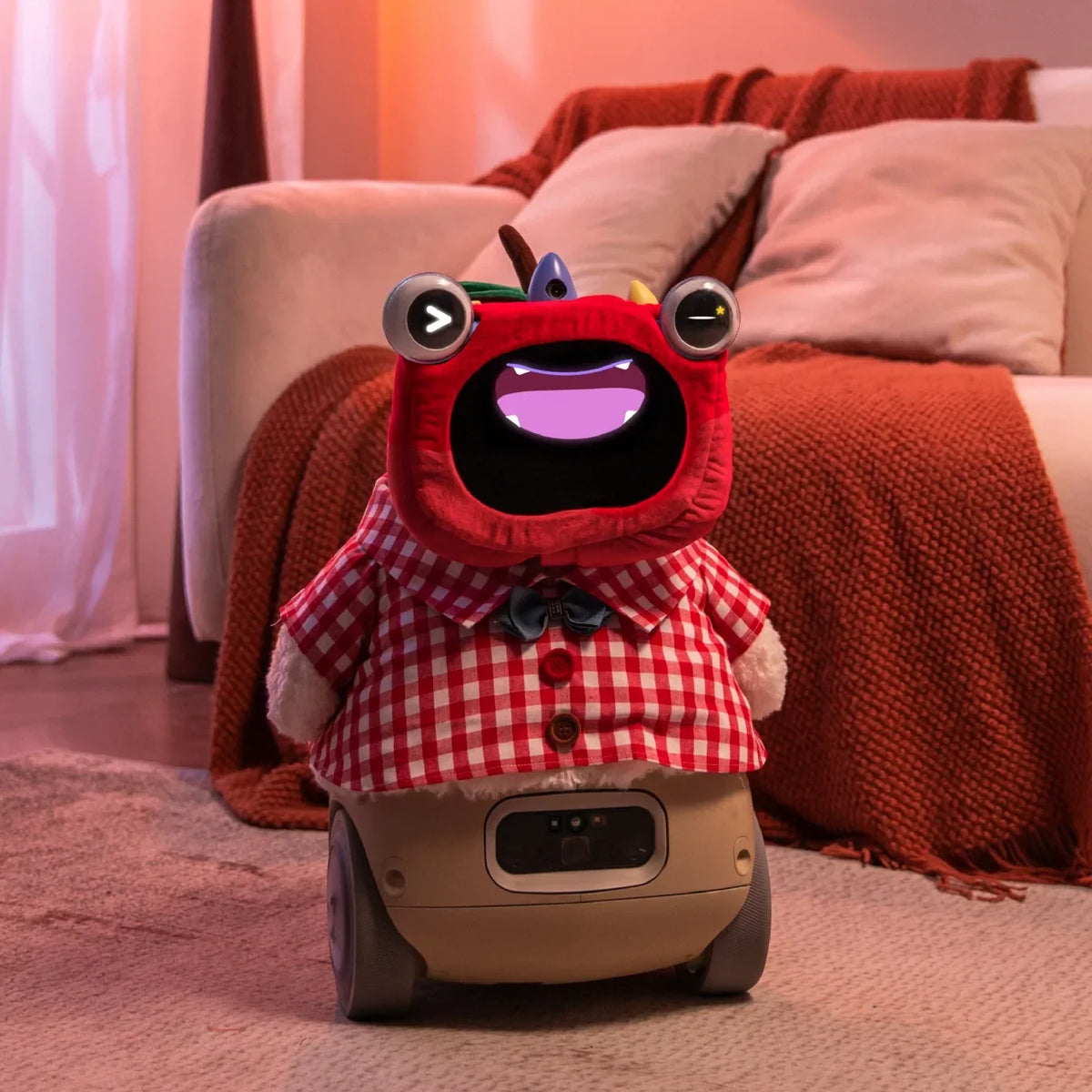
If the robot supports accessories or other forms of customization, kids may be able to:
- Choose different outfits
- Add accessories
- Create themed looks
- Pick colors that match their preferences
- Give the robot a special look for a holiday or activity
- Match its appearance to a game or event
For example, a child could give the robot a different look for a birthday party, a family game night, or a pretend space mission.
These small changes can make the robot feel more connected to the child's interests without requiring the child to create a completely new character every time.
Create Activities Around the Robot
Kids can also use the robot as part of their own creative projects. Depending on its features, they might:
- Make a short robot-themed video
- Take photos during a pretend adventure
- Create a simple robot obstacle course
- Build a small play area or backdrop
- Draw pictures of the robotj
- Make props for a game
- Create a treasure hunt for the robot
- Invent simple rules for a new robot game
For example, a child could build a small cardboard "robot station" and create a game where the robot has to reach different areas. Another child might create a photo story showing the robot completing a series of imaginary missions. These activities shift the focus from simply using the robot to creating something with it.

Turn Robot Play Into a Family Activity
A robot pet does not have to be a solo toy. Parents and siblings can join the activity, which can turn a short robot game into shared family time. Families can:
- Take turns giving the robot instructions
- Create a story together
- Play quizzes
- Set up simple challenges
- Teach the robot new commands
- Decide on a character together
- Make up games with shared rules
For example, a parent could ask a child to create the first part of a story, then a sibling adds the next part. The robot can serve as a character or respond to prompts along the way.
If a robot supports photos or videos, families can also use it as part of creative projects. Kids might make a short story, record a small performance, or take pictures during a family activity.
This makes a family pet robot less about keeping a child busy and more about creating another reason for family members to interact.

Make a Robot Pet Part of Playtime
A robot pet can give children another way to play, create, communicate, and learn. Its strongest feature is the ability to respond, which makes interaction feel different from playing with a traditional toy. Kids can make up stories, play games, ask questions, talk about their day, practice emotional vocabulary, create simple care routines, and include parents or siblings in shared activities.
The right approach is to treat a robot pet as another activity in a child's life, not as a replacement for friends, parents, teachers, or real animals. With age-appropriate use and clear family rules, an interactive robot pet can add a fresh kind of play to everyday life.
FAQs
Q1: What Age Is Appropriate for a Robot Pet?
There is no single age that works for every robot pet. Parents should check the product's recommended age, small-parts warnings, required supervision, and the complexity of its controls. A simple interactive toy may work well for a younger child, while an AI-enabled or programmable robot may be better suited to older kids.
Q2: Do Robot Pets Need Wi-Fi or an App to Work?
It depends on the robot. Some basic functions may work without an internet connection, while voice conversations, AI features, software updates, or remote controls may require Wi-Fi or a companion app. Check the product's connectivity requirements before buying, especially if the robot will be used by a child.
Q3: Are Robot Pets Safe for Children?
Parents should check both physical and digital safety. Look at the recommended age, moving parts, batteries, accessories, charging instructions, and any supervision requirements. For robots with cameras, microphones, or online services, parents should also review what information the device collects and how that information is handled. Privacy is a real consideration in child-robot interaction research.
Q4: Can a Robot Pet Replace a Real Pet?
No. A robot pet can provide interactive play and a sense of companionship, but it does not have the needs, behavior, physical contact, or responsibilities of a living animal. It works better as a different type of companion toy rather than a replacement for a real pet.


Leave a comment
This site is protected by hCaptcha and the hCaptcha Privacy Policy and Terms of Service apply.